Pro tips
Discover advanced features like web search, media generation, and fine-grained control over how Leoparo works.
Tips
Agent mode
Toggle Agent in the chat header to let Leoparo work more autonomously. When agent mode is on:
- Apps you’ve already connected to your account are added to the chat automatically — no need to connect them manually each time.
- Tools run without asking for your approval first, so Leoparo can complete multi-step tasks faster.
- You can ask Leoparo to create automations for you right from the chat — for example, “When I get a new email, draft a reply.”
When agent mode is off, Leoparo can still do everything — connect apps, use tools, and complete tasks — but it will ask for your approval before each tool call. This way you can review and approve every step before it happens.
Enable web search
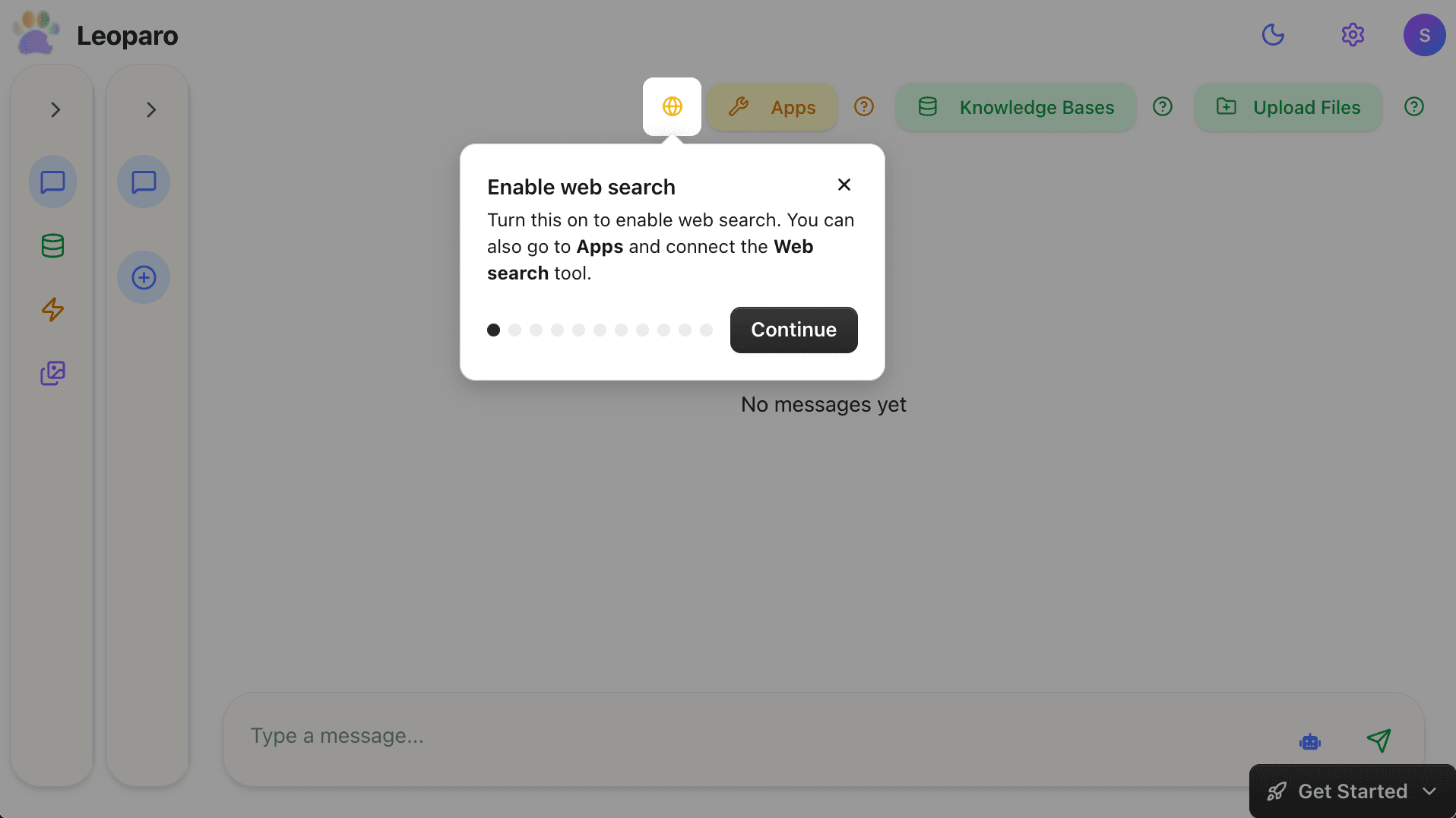
Turn this on to enable web search. You can also go to Apps and connect the Web search tool.
Full transparency
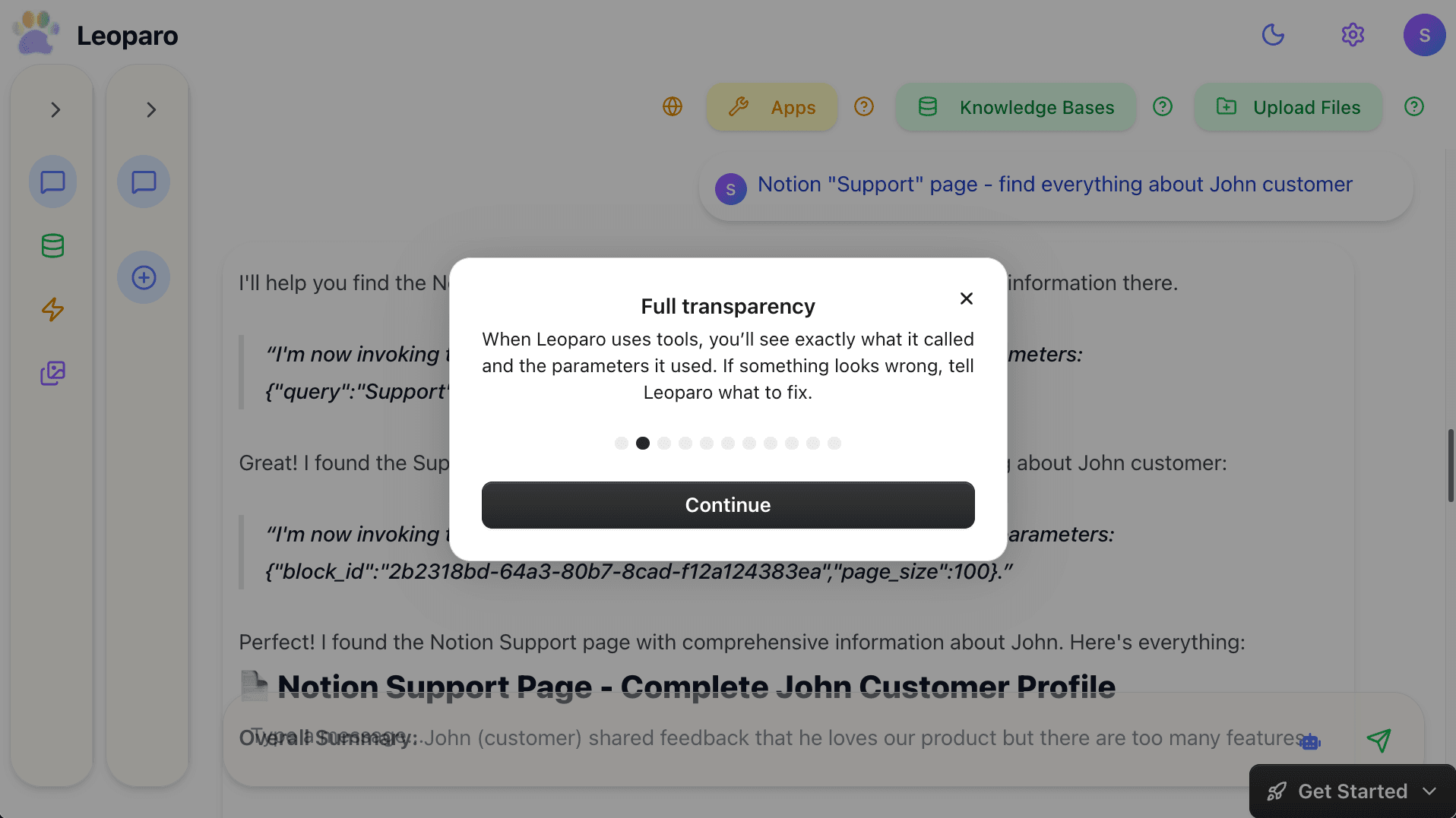
When Leoparo uses tools, you’ll see exactly what it called and the parameters it used. If something looks wrong, tell Leoparo what to fix.
Leoparo supports all the top models (chat, image, video, and audio)
You can choose the AI model you want to use — GPT, Claude, Gemini, and more. Get them all in one place with a single subscription. And it’s not just chat — you can also generate images, videos, and audio using dedicated models, all included in one subscription. Follow the steps below to choose the AI model you want to use.
Choose AI model
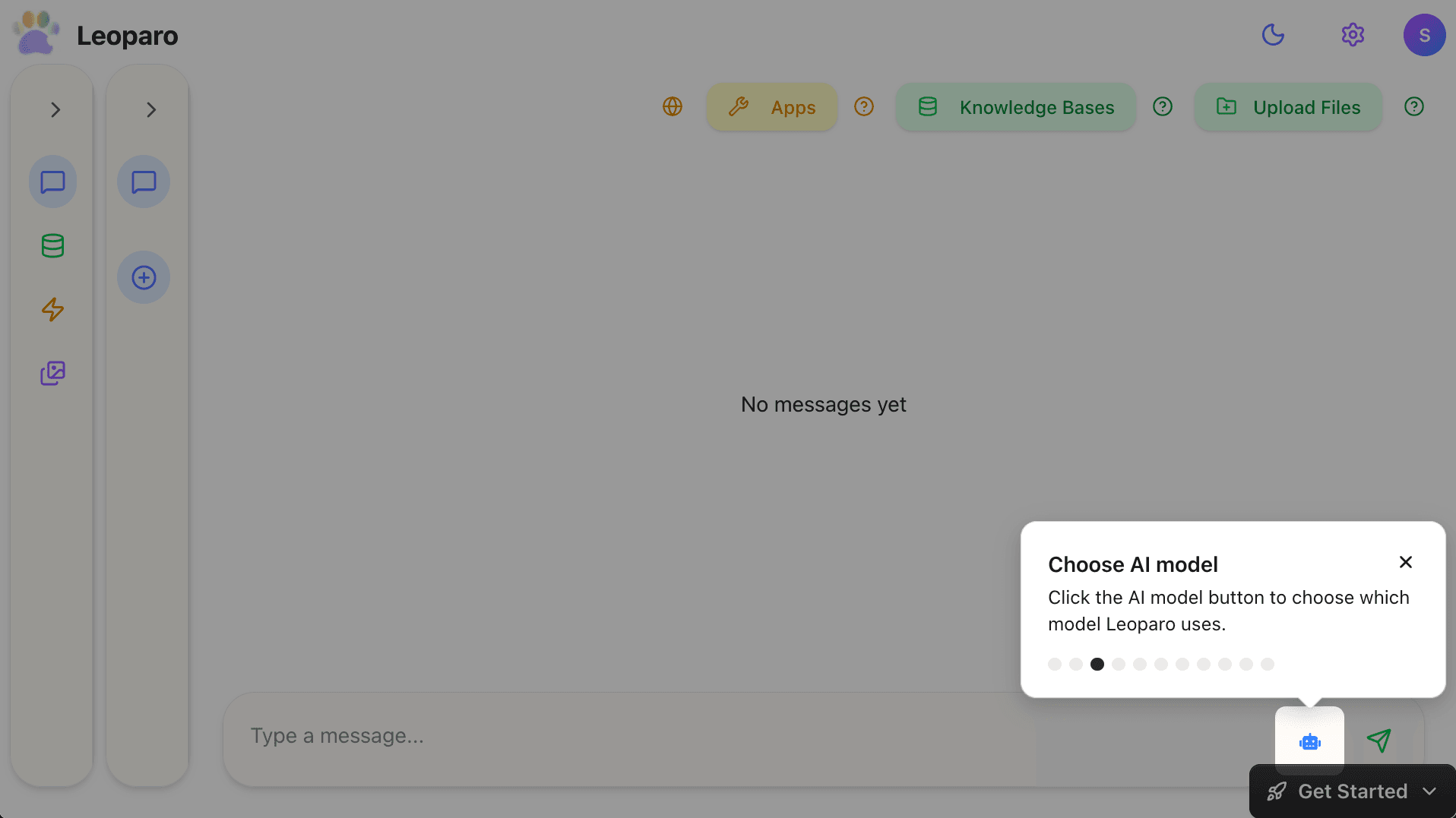
Click the AI model button to choose which model Leoparo uses.
All the top models
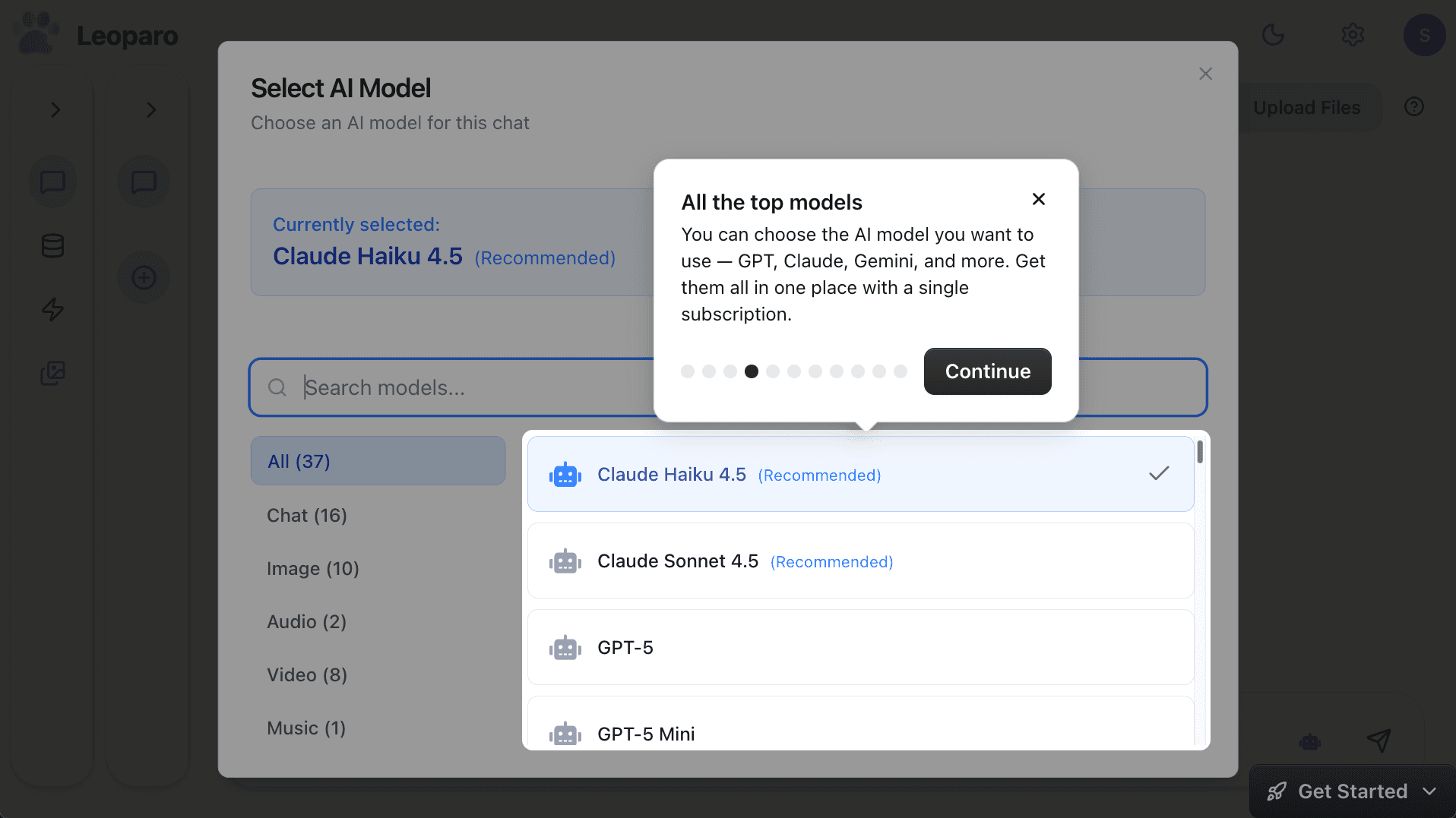
You can choose the AI model you want to use — GPT, Claude, Gemini, and more. Get them all in one place with a single subscription.
Generate media
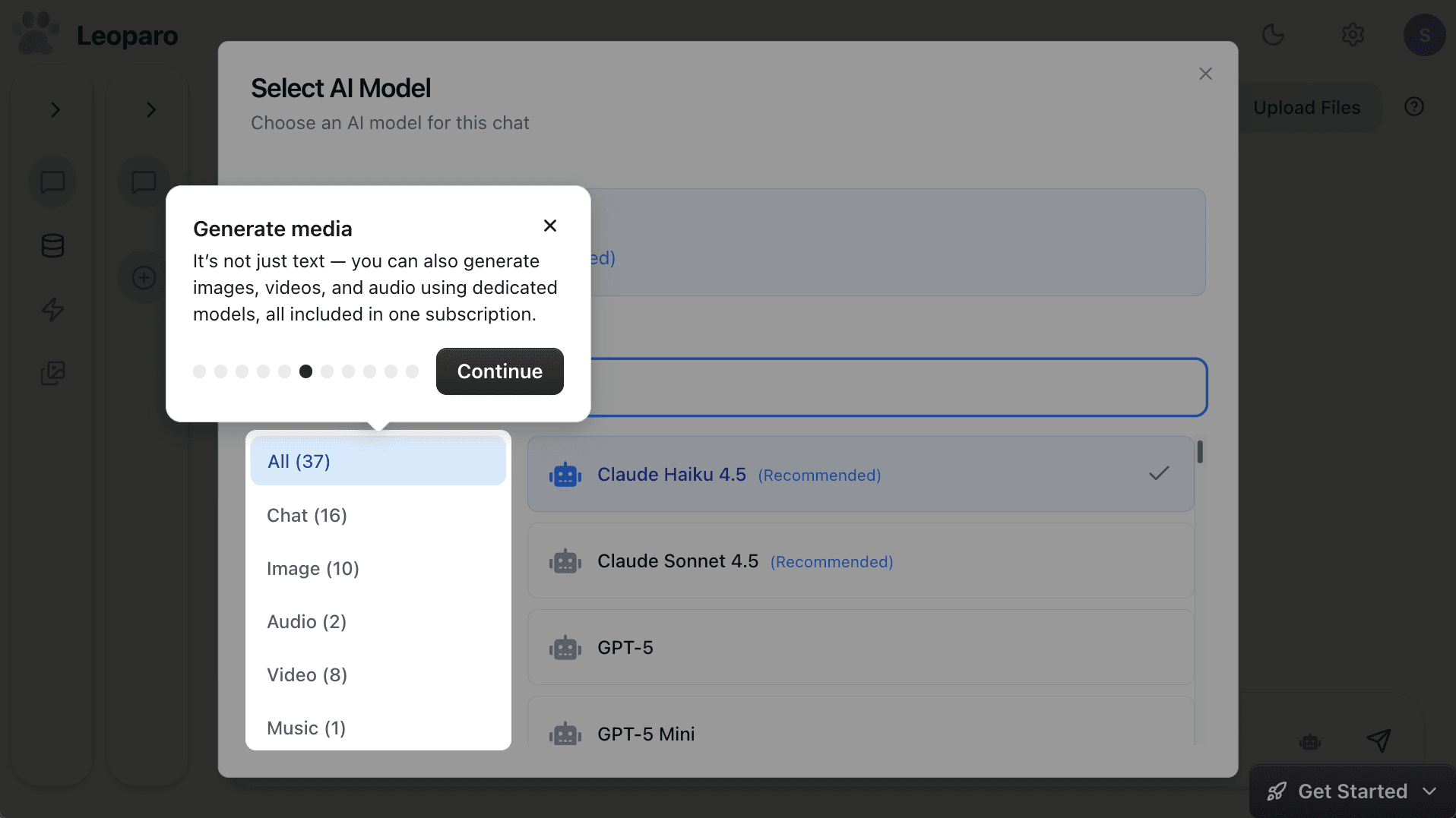
It’s not just text — you can also generate images, videos, and audio using dedicated models, all included in one subscription.
Control permissions
Follow the steps below to control the permissions for each app.
Click Select
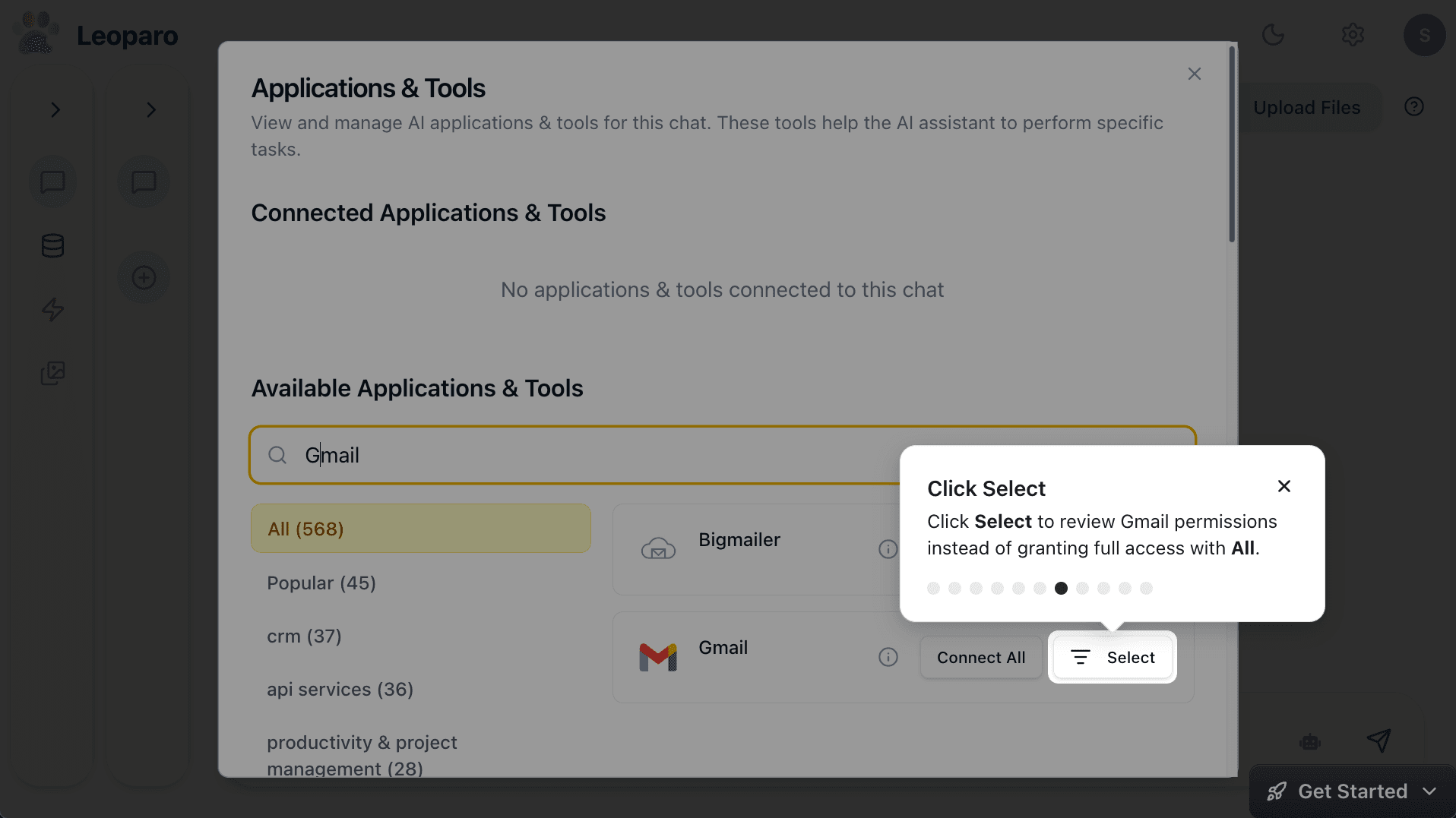
Click Select to review Gmail permissions instead of granting full access with All.
Control Gmail permissions
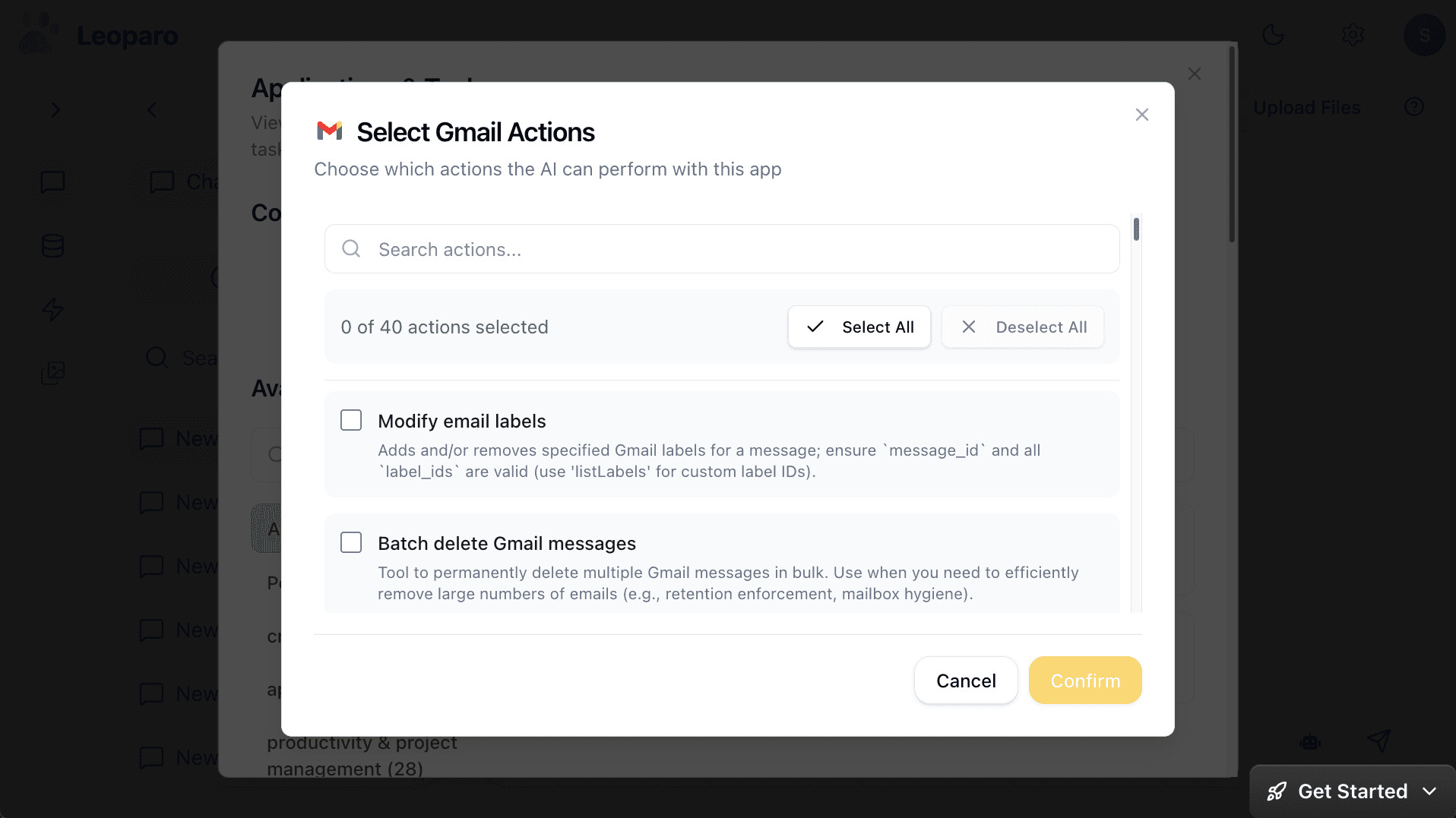
Choose exactly which Gmail tools Leoparo can use in this chat. Other chats can have different permissions. For example, draft emails without sending or deleting them.
Install the Leoparo app
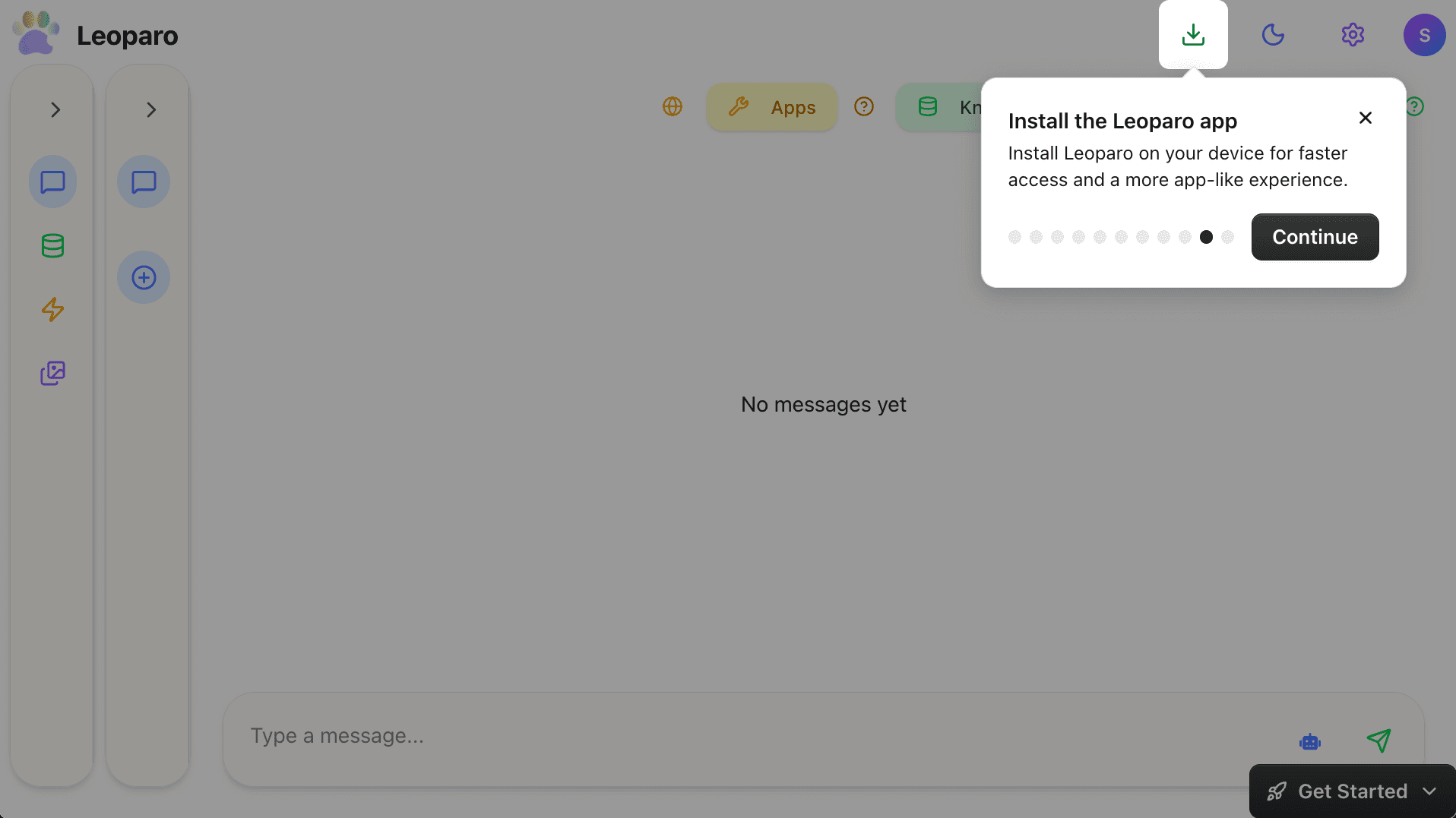
Install Leoparo on your device for faster access and a more app-like experience.
Start a tour anytime
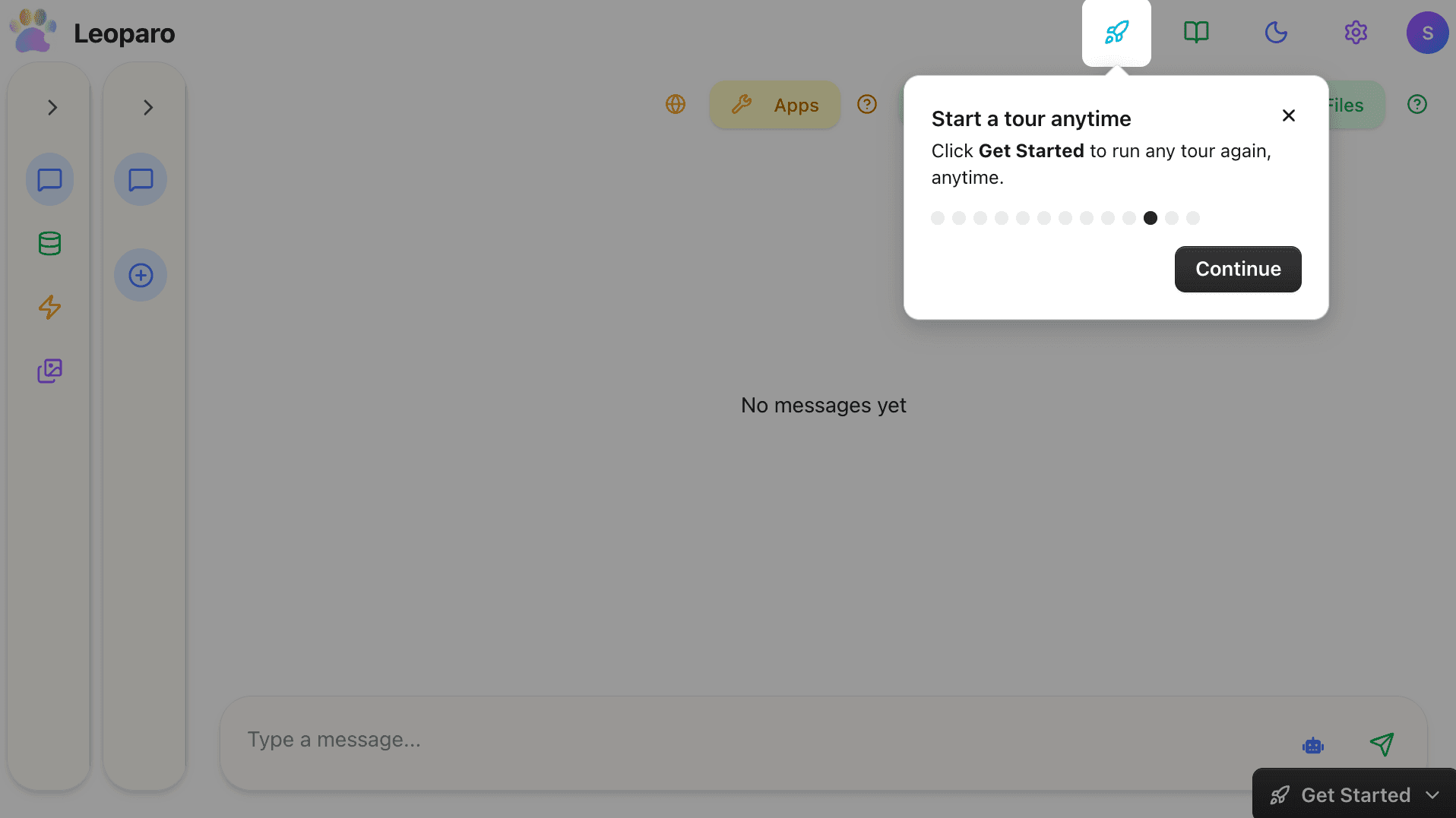
Click Get Started to run any tour again, anytime.
That’s it. You’re in control
You can now search the web, use agent mode for faster workflows, generate media, see exactly what Leoparo does, and control app permissions — all when you need them.