ChatGPT vs Claude vs Gemini vs Leoparo — You Don't Need Three AI Subscriptions
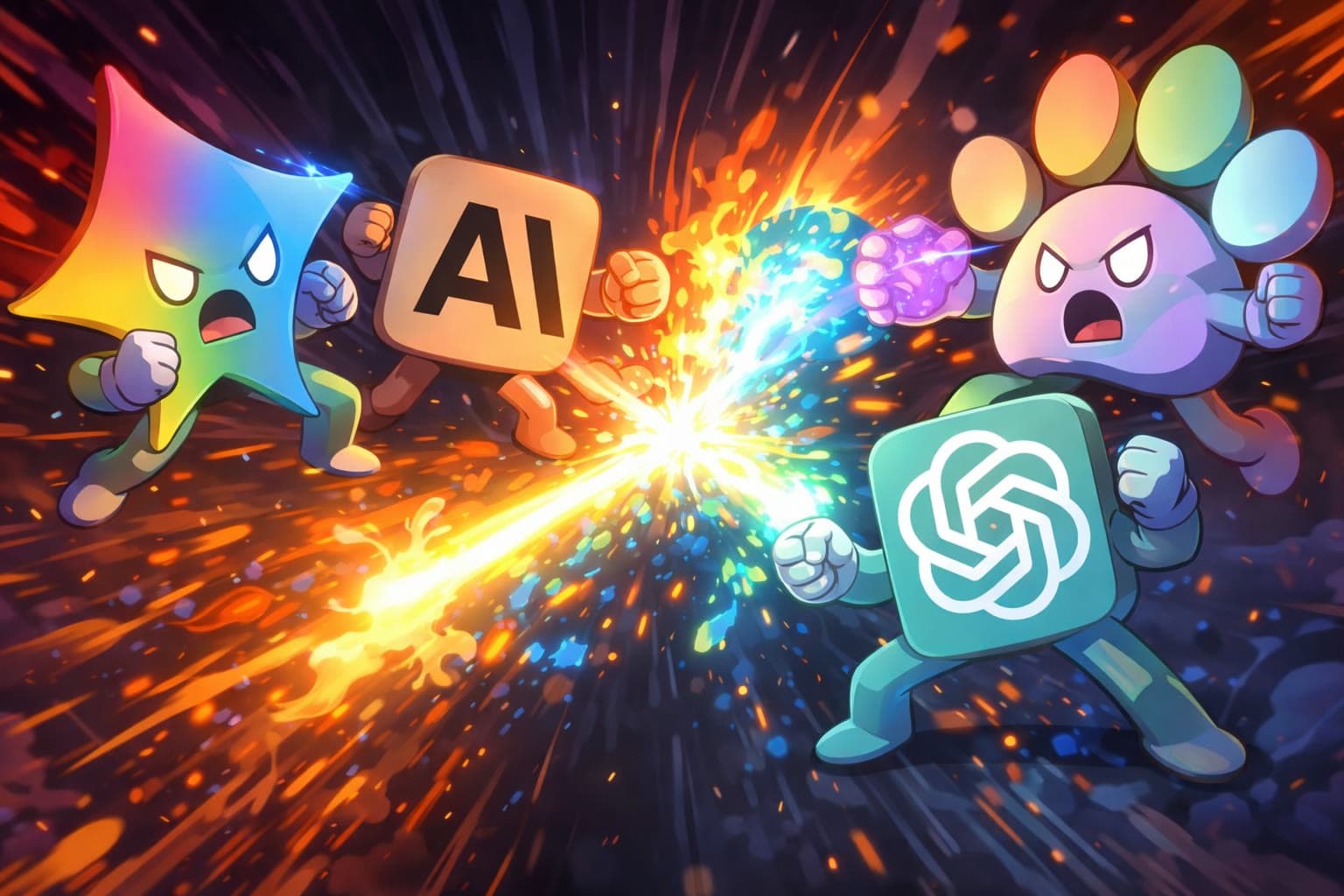
If you’re like most people using AI in 2026, you probably have at least two of these: a ChatGPT subscription for everyday tasks, Claude for long documents or coding, and Gemini because it’s baked into your Google apps.
That’s $60/month. Three separate logins. Three separate file uploads. Three separate conversation histories. And every time you want the AI to actually do something with your apps — read your emails, update your Notion, check your calendar — you’re either copy-pasting between tabs or hoping the right connector exists in whichever tool you happen to have open.
There’s a simpler way. But first, let’s be fair about what each tool does well.
The four tools at a glance
| ChatGPT | Claude | Gemini | Leoparo | |
|---|---|---|---|---|
| AI models | GPT-5 | Claude 4.5 | Gemini 3 | GPT, Claude, Gemini, and more — you choose |
| App integrations | ~17+ connectors (Gmail, Slack, Notion, etc.) | 50+ connectors via MCP | Google apps (Gmail, Calendar, Drive, Maps) | 500+ apps |
| File support | Per-conversation upload | Projects (persistent) | Per-conversation upload | Persistent knowledge bases, reusable across chats |
| Media generation | DALL-E (images), Sora (video) | None | Imagen 3 (images) | All media models in one place (images, video, audio) |
| Automations | No | No | Workspace Studio (limited) | Yes — natural language triggers and actions |
| Granular permissions | No | No | No | Yes — per chat and per automation |
| Pricing | ~$20/mo (Plus) | ~$20/mo (Pro) | ~$20/mo (Advanced) | ~$20/mo (Pro) |
Where each tool genuinely shines
Let’s give credit where it’s due. Each of the big three is best-in-class at something.
ChatGPT has the largest user base for a reason. It’s the most versatile general-purpose AI — great for brainstorming, writing, and everyday questions. The new Agent mode can navigate websites, fill out forms, and take actions on your behalf. If you need one AI for everything and don’t want to think about it, ChatGPT is the safe default.
Claude is the best at coding and working with long documents. It scores highest on coding benchmarks, and its writing style is more natural and nuanced than the competition. Projects give you persistent file context — upload once, reference across conversations. If you write a lot or code a lot, Claude feels like it gets what you’re going for.
Gemini owns the Google ecosystem. It lives inside Gmail, Calendar, Drive, Chrome, and Maps. The 1M token context window is massive. Auto Browse lets it take actions on websites autonomously. If your life runs on Google Workspace, Gemini has the deepest integration by far.
So what’s the problem?
The problem isn’t any of these tools individually. They’re all excellent. The problem is that you need all three — and they don’t talk to each other.
You pay three times for the same thing. $20/mo for ChatGPT, $20/mo for Claude, $20/mo for Gemini. That’s $60/month for three AI chatbots that each do roughly the same core thing: answer questions and generate text. You’re paying a premium for the differences, but 80% of the functionality overlaps.
Your data is scattered. Files uploaded to ChatGPT aren’t available in Claude. Your Claude Projects don’t exist in Gemini. Your Gemini integration with Gmail doesn’t help you when you’re in ChatGPT. You end up uploading the same document three times, or worse — copy-pasting between tabs.
App integrations are limited and fragmented. ChatGPT has ~17 connectors. Claude has ~50. Gemini mainly connects to Google. None of them cover the full range of apps you actually use. And none of them let you control what the AI is allowed to do with your apps.
None of them run automations. You can chat with your apps (sometimes). But you can’t say “when I get an email, summarize it and draft a reply” and have it run automatically. For that, you’d need a separate tool like Zapier, Make, or n8n.
What if you could just pick the best model for each task?
This is the core idea behind Leoparo. Instead of subscribing to three AI platforms — each locked to its own model — you get one workspace where every top model is available. GPT for brainstorming. Claude for long documents. Gemini for research. Switch freely, mid-conversation if you want.
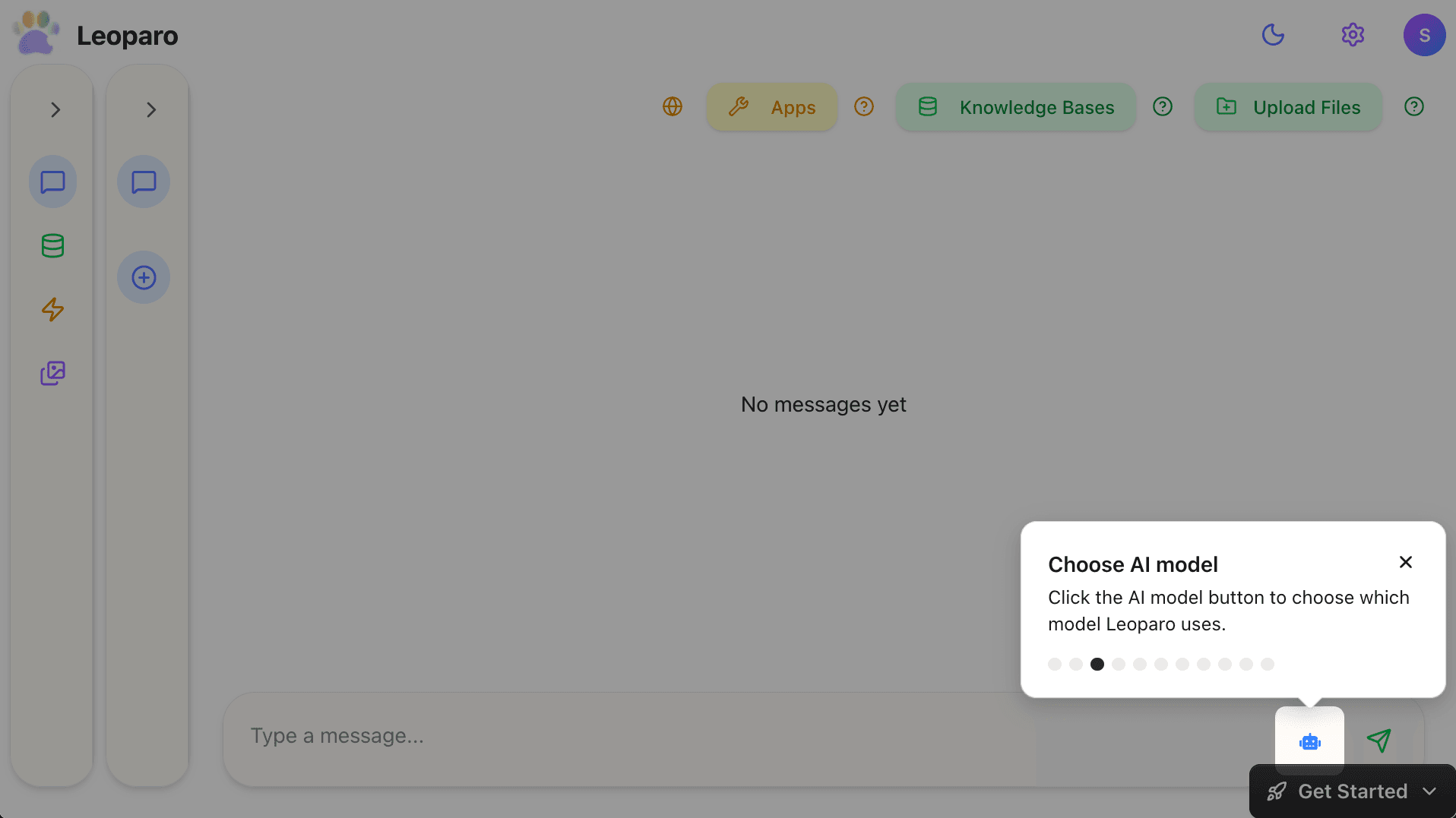
But that’s just the starting point. Here’s what changes when all your AI lives in one place.
Your apps, connected — with real control
Leoparo connects to 500+ apps — Gmail, Slack, Notion, Google Calendar, Jira, GitHub, Linear, and hundreds more. That’s not “we have a connector for Gmail.” That’s “connect whatever you use and start chatting with it.”
And here’s the part that none of the big three offer: you choose exactly which permissions each app gets, per chat.
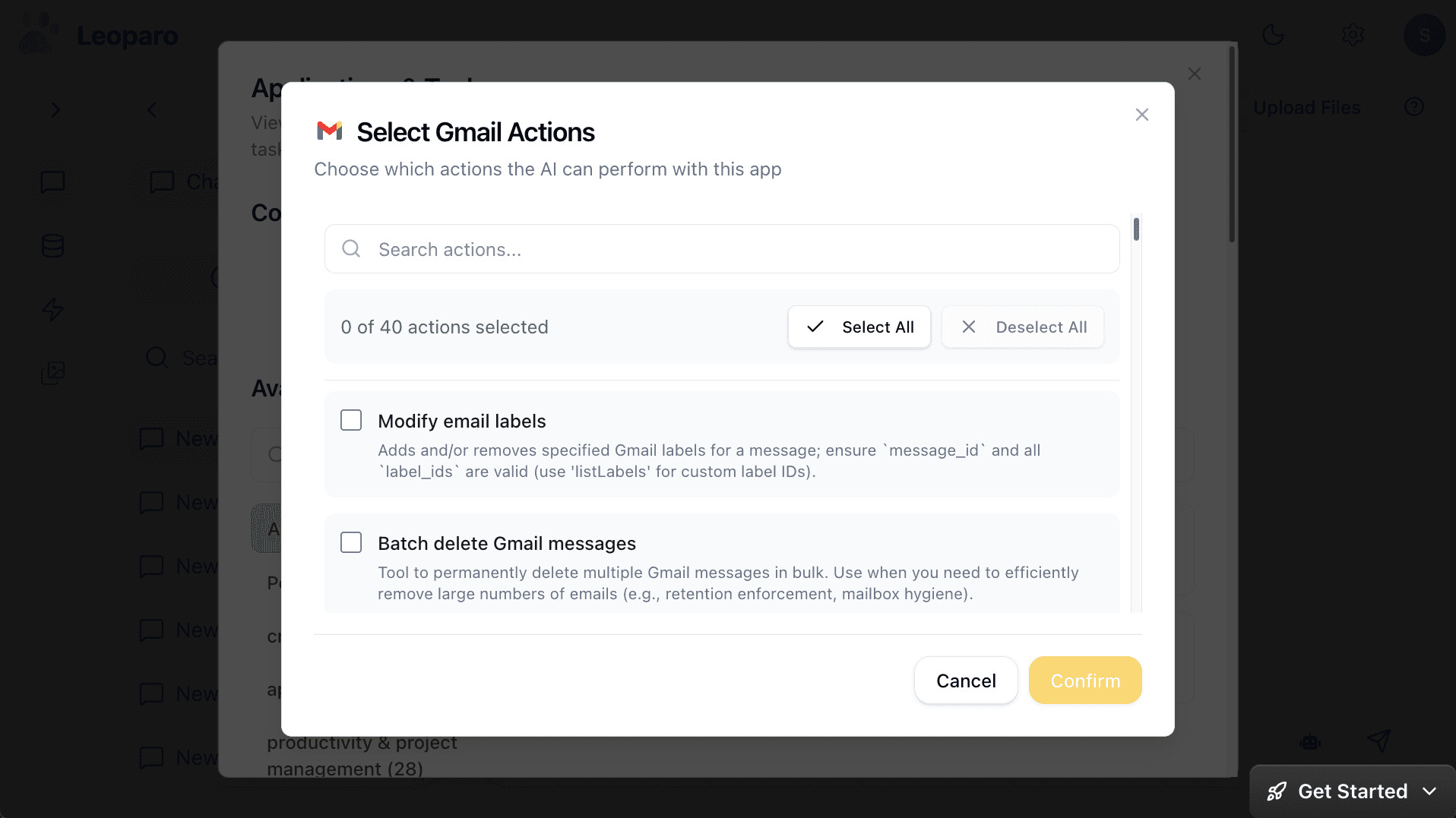
Want the AI to read your emails and draft replies, but never send or delete? Just uncheck those permissions. Want a different chat to have full email access? Set it separately. Every chat has its own permission scope.
ChatGPT, Claude, and Gemini all grant full access when you connect an app. There’s no middle ground. That matters when the AI is making decisions about your data.
Your files, in one place — not scattered across tools
Instead of uploading the same document to ChatGPT, Claude, and Gemini separately, Leoparo gives you persistent knowledge bases. Upload your files, links, or YouTube videos once. Connect that knowledge base to any chat — current or future. Different chats can reference different knowledge bases, or share the same one.
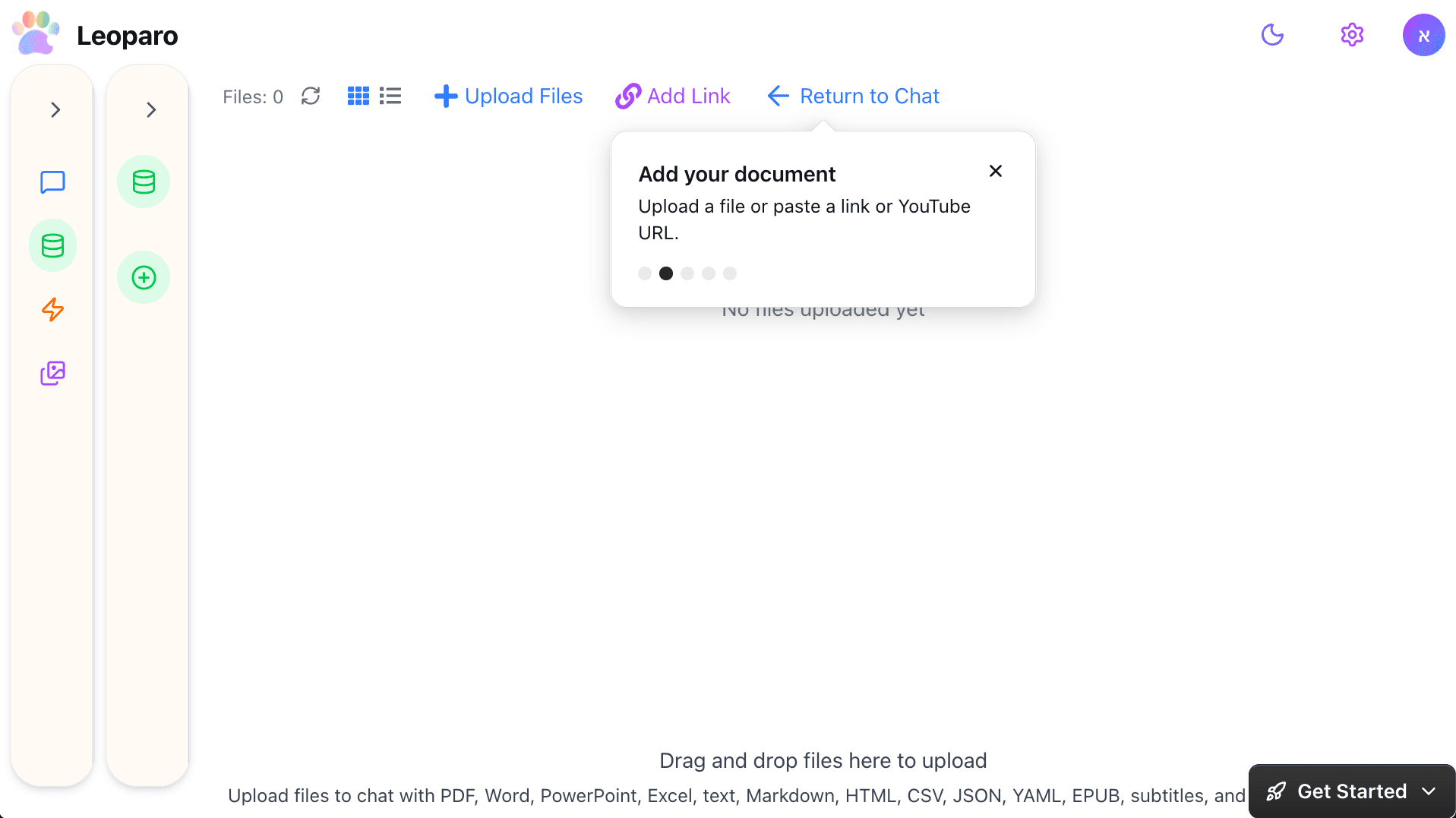
It’s not per-conversation file uploads that disappear when you start a new chat. It’s a permanent library your AI can always reference.
Automations that run on their own
This is something none of the big three do. In Leoparo, you can set up automations that trigger and run without you being in the chat.
“When I get an email from a client, check my company docs for context, and draft a reply.”
“When I get a bill by email, extract the amount and add it to my Notion bills table.”
You define the trigger, describe the action in plain language, connect the apps and knowledge bases it needs, and it runs 24/7.
No Zapier. No Make. No n8n. No separate tool to learn. It’s the same AI you already chat with, running on autopilot.
All media models, one subscription
ChatGPT has DALL-E and Sora. Gemini has Imagen. Claude has… nothing. If you want images, video, and audio, you need multiple subscriptions.
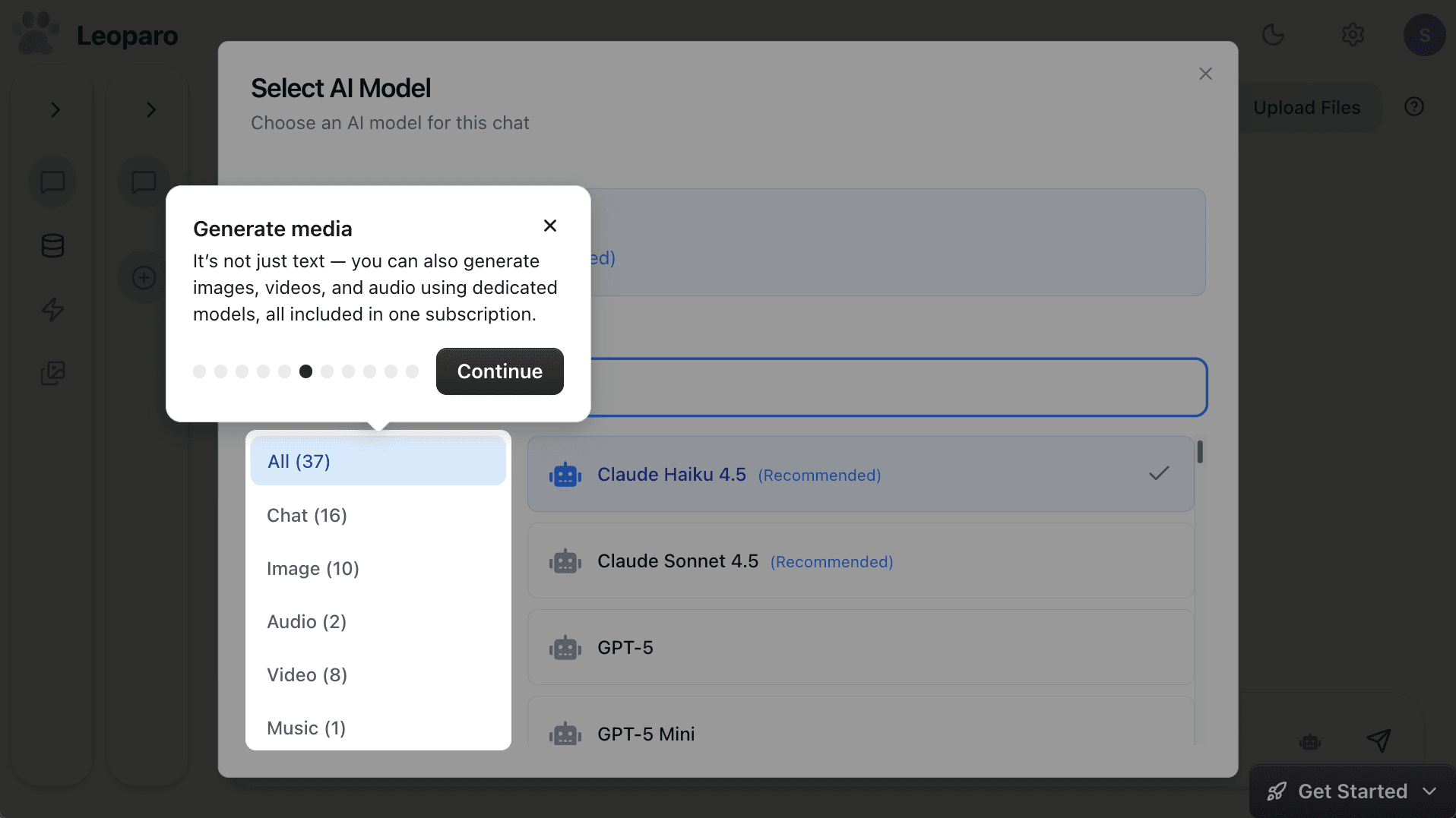
Leoparo includes dedicated models for images, video, and audio — all in one place. Generate an image, create a video, produce audio. Switch between models as easily as switching between GPT and Claude for text.
Summary
| ChatGPT | Claude | Gemini | Leoparo | |
|---|---|---|---|---|
| Best model for | General use, creativity | Coding, long docs | Google ecosystem, research | All of the above — you pick the model |
| App integrations | ~17 connectors | ~50 connectors | Google apps | 500+ apps |
| Granular permissions | No | No | No | Yes — per chat |
| Persistent files | No (per-conversation) | Projects | No (per-conversation) | Knowledge bases, reusable across chats |
| Automations | No | No | Limited | Yes — natural language |
| Media generation | Images, video | None | Images | Images, video, audio |
| Cost for all models | $60+/mo combined (3 separate subscriptions) | — | — | ~$20/mo (all models included) |
Which one should you use?
If you mostly need one great AI model and don’t care about app integrations or automations — pick the one you like best. ChatGPT for versatility, Claude for writing and coding, Gemini if you live in Google.
If you want the best model for each task, your apps connected with real permissions, persistent knowledge bases, automations, and media generation — without juggling three subscriptions — give Leoparo a try.
Get started:
- Chat with your first app — connect Gmail, Slack, Notion, or 500+ others
- Chat with your first document — upload a file and start asking questions
- Set up your first automation — in under 2 minutes
- Pro tips — control permissions, switch AI models, and more