I Tried 200+ AI Tools — These Are the Only Ones Worth Paying For in 2026
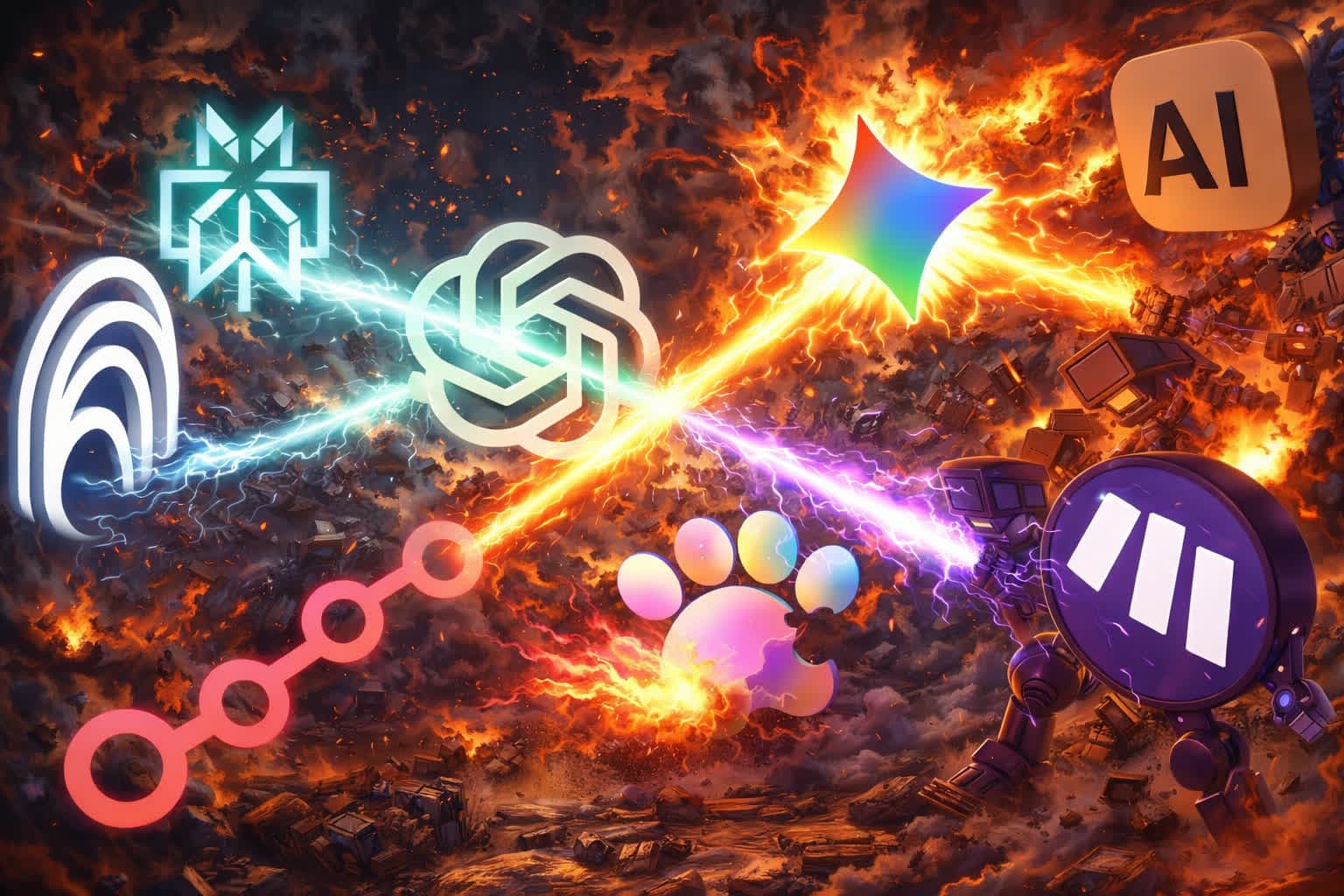
My credit card statement had 11 AI subscriptions last month. ChatGPT, Claude, Gemini, Perplexity, Midjourney, Cursor, Runway, Otter.ai, Zapier — and two I’d forgotten I was even paying for.
That’s over $150/month. For tools that mostly do variations of the same thing. And every week, a new “best AI tool” shows up in my feed promising to change everything.
I cancelled 7 of them. Here’s what survived, what each tool is genuinely best at, and the one tool that made most of the others unnecessary.
All picks at a glance
| Tool | Category | Best for | Price |
|---|---|---|---|
| ChatGPT | AI Chatbot | Everyday tasks, voice, image gen | Free / ~$20/mo |
| Claude | AI Chatbot | Coding, long docs, writing | Free / ~$20/mo |
| Gemini | AI Chatbot | Google ecosystem users | Free / ~$20/mo |
| Perplexity | Research | Web search with citations | Free / ~$20/mo |
| NotebookLM | Documents | Document analysis, Audio Overviews | Free / ~$20/mo |
| Cursor | Coding | AI-powered code editor | Free / ~$20/mo |
| Midjourney | Images | Best image quality | ~$10/mo |
| Runway / Sora | Video | AI video generation | ~$12/mo |
| Otter.ai | Meetings | Transcription & summaries | Free / ~$17/mo |
| Zapier | Automation | No-code workflow automation | Free / ~$20/mo |
| Leoparo | All-in-one | All models + apps + files + automations | ~$20/mo |
Now let’s go through each one honestly.
Best AI Chatbot — ChatGPT
ChatGPT is the default for a reason. It has the largest user base, the most polished experience, and GPT-5 is genuinely excellent at everyday tasks — brainstorming, writing, analysis, coding.
The new Agent mode can navigate websites and take actions. Advanced Voice Mode feels like talking to a real assistant. DALL-E and Sora handle image and video generation. If you want one AI chatbot and don’t want to overthink it, ChatGPT is the safe pick.
The catch: You’re locked to OpenAI’s models. App integrations are limited to ~17 connectors . And there’s no way to control what the AI is allowed to do when you connect an app — it’s full access or nothing.
Best for Coding & Long Documents — Claude
If you write a lot or code a lot, Claude is the one that gets it. It scores highest on coding benchmarks , handles long documents with genuine comprehension, and its writing style is more natural than the competition.
Projects give you persistent file context — upload once, reference across conversations. And the new Claude Code terminal tool is changing how developers work entirely.
The catch: No image or video generation. App integrations (~50 via MCP) are growing but still limited compared to ChatGPT’s ecosystem.
Best for Google Users — Gemini
If your life runs on Google Workspace, Gemini has the deepest integration by far. It lives inside Gmail, Calendar, Drive, Chrome, and Maps. The 1M token context window is massive. Auto Browse lets it take actions on websites autonomously.
The catch: Outside the Google ecosystem, Gemini feels less versatile than ChatGPT or Claude. No automation capabilities. And like the other two, no granular control over what it can access.
Want a deeper comparison? We wrote a full breakdown of ChatGPT vs Claude vs Gemini.
Best AI Search — Perplexity
For web research, nothing else comes close. Every answer is cited. Deep Research spends 2-4 minutes doing what a human researcher takes hours to do — iteratively searching, reading, following leads, and producing a comprehensive report with 30+ sources.
Real-time data, shopping with checkout, Spaces for organizing research. If you need to find information, Perplexity is the best at it.
The catch: It stops at finding. Perplexity can’t email the summary to your team, add data to Notion, or schedule a meeting to discuss. You find the answer in 30 seconds — then spend 15 minutes getting it to the right places.
We wrote more about this: Perplexity vs Leoparo — what happens after you find the answer.
Best for Document Analysis — NotebookLM
NotebookLM is one of the most impressive AI tools Google has ever shipped. Upload your documents — research papers, company docs, client briefs — and get source-grounded answers with citations. No hallucinations. Every claim traceable.
Audio Overviews turn dense papers into podcast-style conversations. Study tools generate flashcards and quizzes. For pure document understanding, nothing else is this good.
The catch: It’s read-only. NotebookLM can’t send an email, update a spreadsheet, or run an automation. It understands your documents beautifully, but it can’t act on that understanding. And notebooks don’t talk to each other — each one is an island.
Full comparison here: NotebookLM vs Leoparo — when you need AI that actually does things.
Best AI Code Editor — Cursor
Cursor took VS Code, forked it, and built AI directly into the editing experience. Tab completion that understands your codebase. Inline edits that refactor across files. A chat panel that sees your entire project. For developers, it’s the most natural way to code with AI.
The catch: It’s a code editor. If you’re not a developer, Cursor isn’t for you. And even for developers, it doesn’t help with anything outside coding — no app integrations, no document analysis, no automations.
Best for Image Generation — Midjourney
If image quality is what you care about, Midjourney is still the leader. The aesthetic sense is unmatched — it produces images that look like they were made by a professional artist, not generated by an algorithm. The community aspect adds inspiration, and v7 brought even more control and consistency.
The catch: It still lives primarily on Discord (the web editor is in beta). There’s no integration with other tools — you generate images in Midjourney’s world and export them manually. It’s a standalone creative tool, not part of a workflow.
Best for AI Video — Runway, Sora, and Kling
AI video is moving fast, and the three leaders each have strengths:
Runway is the most mature — Gen-3 Alpha produces impressive results, and tools like Motion Brush give you creative control. Sora brings OpenAI’s quality to video with a focus on realism. Kling from Kuaishou offers surprisingly strong output with a generous free tier.
The catch: All three are standalone. Separate subscriptions, separate interfaces, no connection to your other tools. And prices add up quickly once you need real volume.
Best for Meetings — Otter.ai
Otter.ai does one thing exceptionally well: it joins your meetings, transcribes everything, and generates summaries with action items. It integrates with Zoom, Google Meet, and Microsoft Teams. If you’re in meetings all day, Otter saves hours of note-taking.
The catch: It’s meeting-specific. Outside of calls and transcription, Otter doesn’t help. And the action items it generates still need to be manually moved to your project management tools.
Best for Automation — Zapier
With 8,000+ integrations and years of reliability, Zapier is the most mature automation platform. “When X happens in Gmail, do Y in Slack” — Zapier handles this at scale. Enterprise teams run hundreds of Zaps without thinking about them.
The catch: You’re still building workflows by connecting nodes. The AI features (Agents, Copilot) are improving, but the core experience is configuration, not conversation. And it’s a separate tool from everything else — your AI chatbot doesn’t know about your automations, and your automations don’t know about your documents.
We compared all the automation tools: Zapier vs Make vs n8n vs Leoparo.
The real problem nobody talks about
Every tool on this list is genuinely great at what it does. I mean that. If I had to pick just one tool per category, these are the ones I’d pick.
But here’s the thing nobody wants to say out loud: having the best tool in every category is exhausting.
Add up the costs. ChatGPT ($20) + Claude ($20) + Perplexity ($20) + Midjourney ($10) + Zapier ($20) + Otter ($17). That’s $107/month for six AI tools — and we haven’t even counted Runway, Cursor, or any others.
Then add up the context-switching. Research something in Perplexity. Copy it. Paste it into ChatGPT. Ask it to draft an email. Copy that. Paste it into Gmail. Now take the data and add it to Notion. Now set up a Zap to automate the next one. Four tools. Four tabs. Four subscriptions. Four sets of files uploaded separately.
Your documents live in NotebookLM. Your code lives in Cursor. Your images live in Midjourney. Your automations live in Zapier. Your conversations live in ChatGPT and Claude and Gemini. Nothing talks to anything else.
And here’s the part that really bothers me: none of these tools let you control what the AI can actually do. Connect Gmail to ChatGPT? Full access. Connect it to Zapier? Full access. There’s no “read my emails but don’t delete them.” It’s all or nothing, everywhere.
What I actually use now
This is where I tell you about Leoparo . And I’ll be honest about what it does and doesn’t do — the same way I was honest about every tool above.
Leoparo doesn’t beat Perplexity at deep research. It doesn’t beat Midjourney at image aesthetics. It doesn’t beat Cursor at code editing. It doesn’t beat Otter at meeting transcription.
What it does is replace the need for most of the others.
All models in one place
Instead of three chatbot subscriptions, you get GPT, Claude, Gemini, and more — all in one workspace. Switch models mid-conversation. Use Claude for a coding question, GPT for brainstorming, Gemini for research. One subscription, every model.
500+ app integrations — with real control
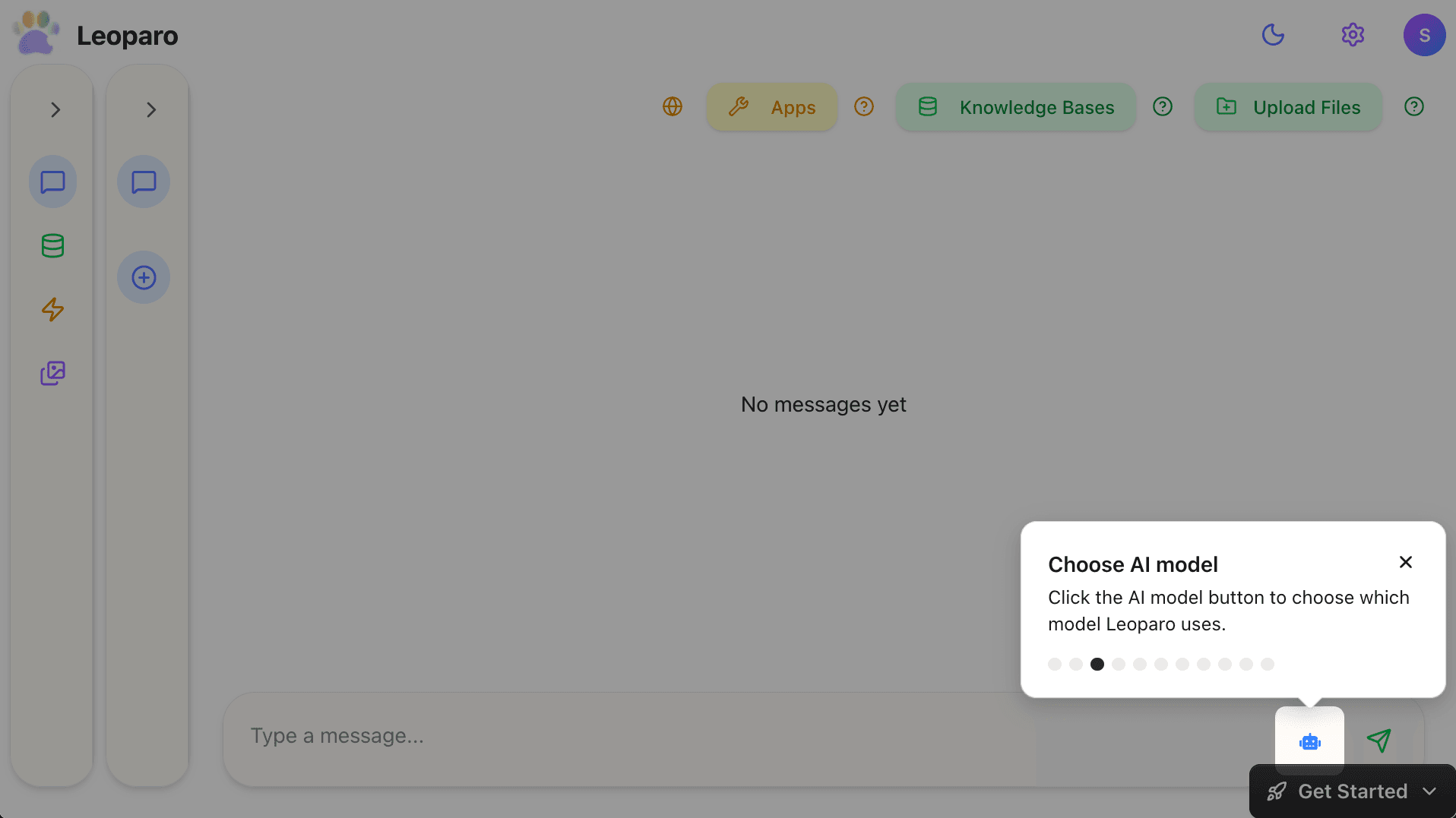
Gmail, Slack, Notion, Google Calendar, Jira, GitHub, Linear, and hundreds more. Not 17. Not 50. Over 500.
And here’s the part none of the big three offer: you choose exactly which permissions each app gets, per chat. Want the AI to read your emails and draft replies, but never send or delete? Just uncheck those permissions.
Your files, in one place
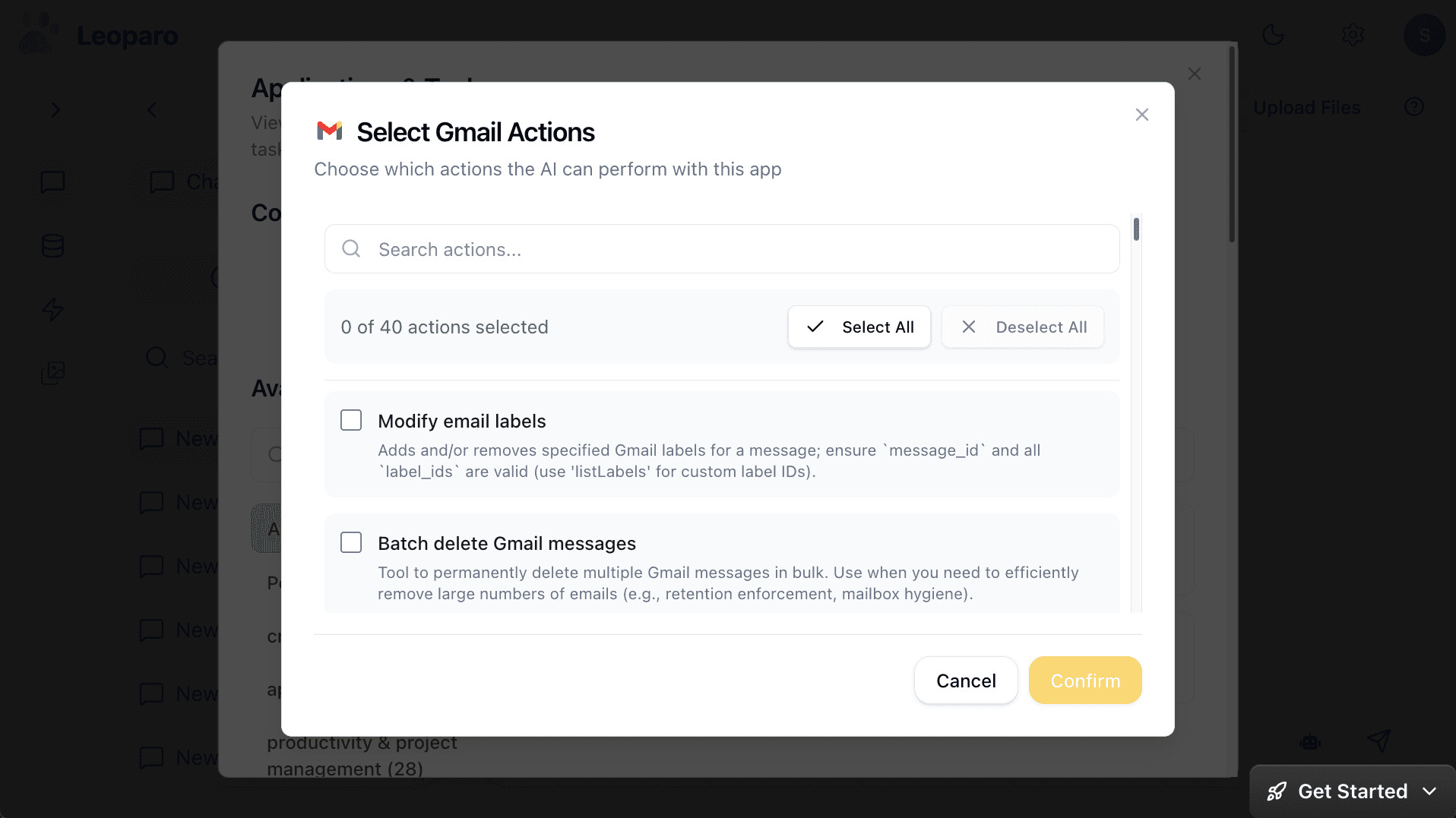
Instead of uploading the same document to ChatGPT, Claude, and NotebookLM separately — persistent knowledge bases. Upload once. Connect to any chat. Reuse forever.
Automations without Zapier
“When I get an email from a client, check my company docs for context, and draft a reply.”
No nodes. No workflow builder. Describe the trigger. Describe the action. Connect the apps and knowledge bases. It runs 24/7.
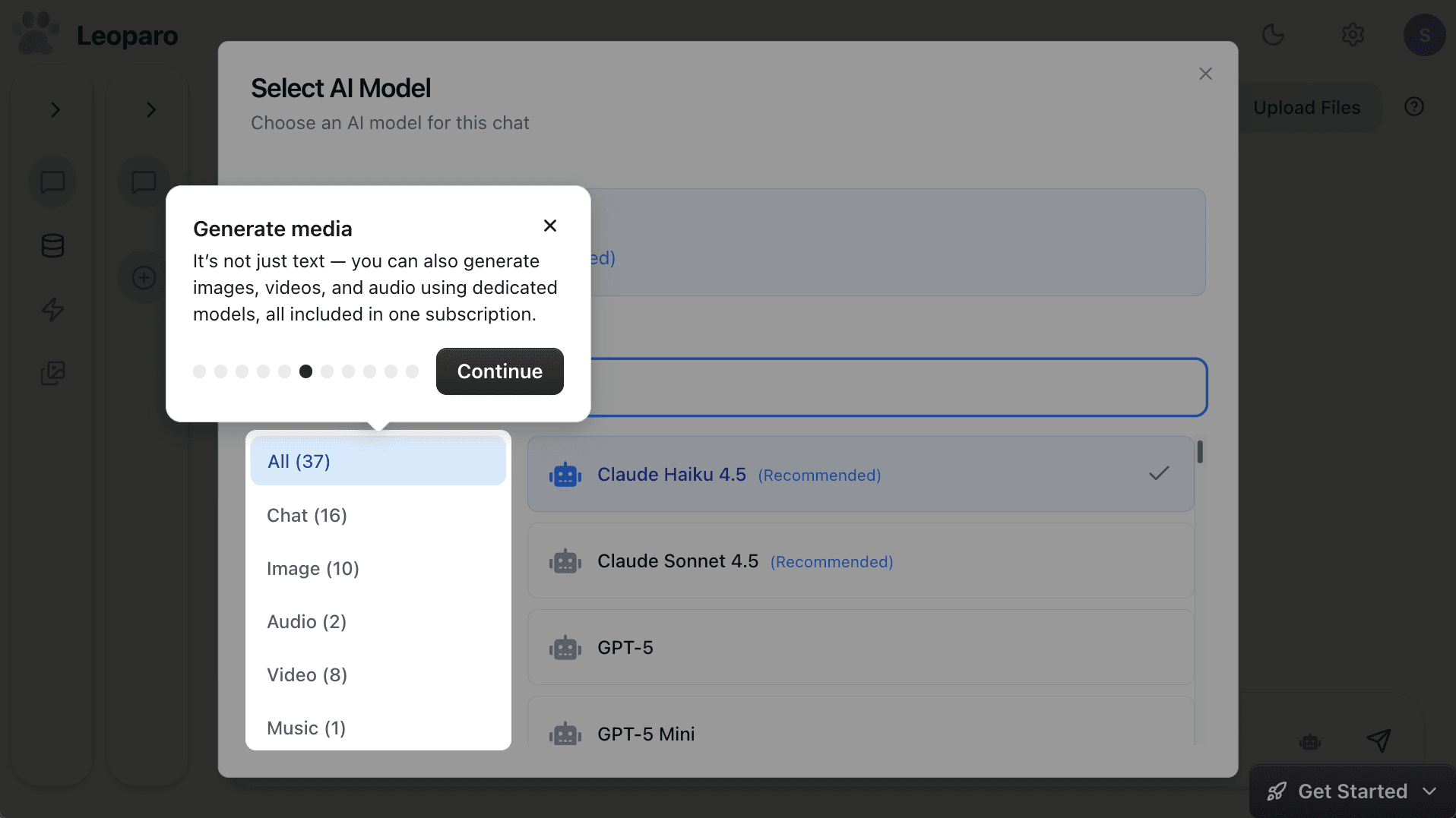
Images, video, and audio
No separate Midjourney subscription. No separate Runway account. Leoparo includes dedicated models for images, video, and audio — all in one place.
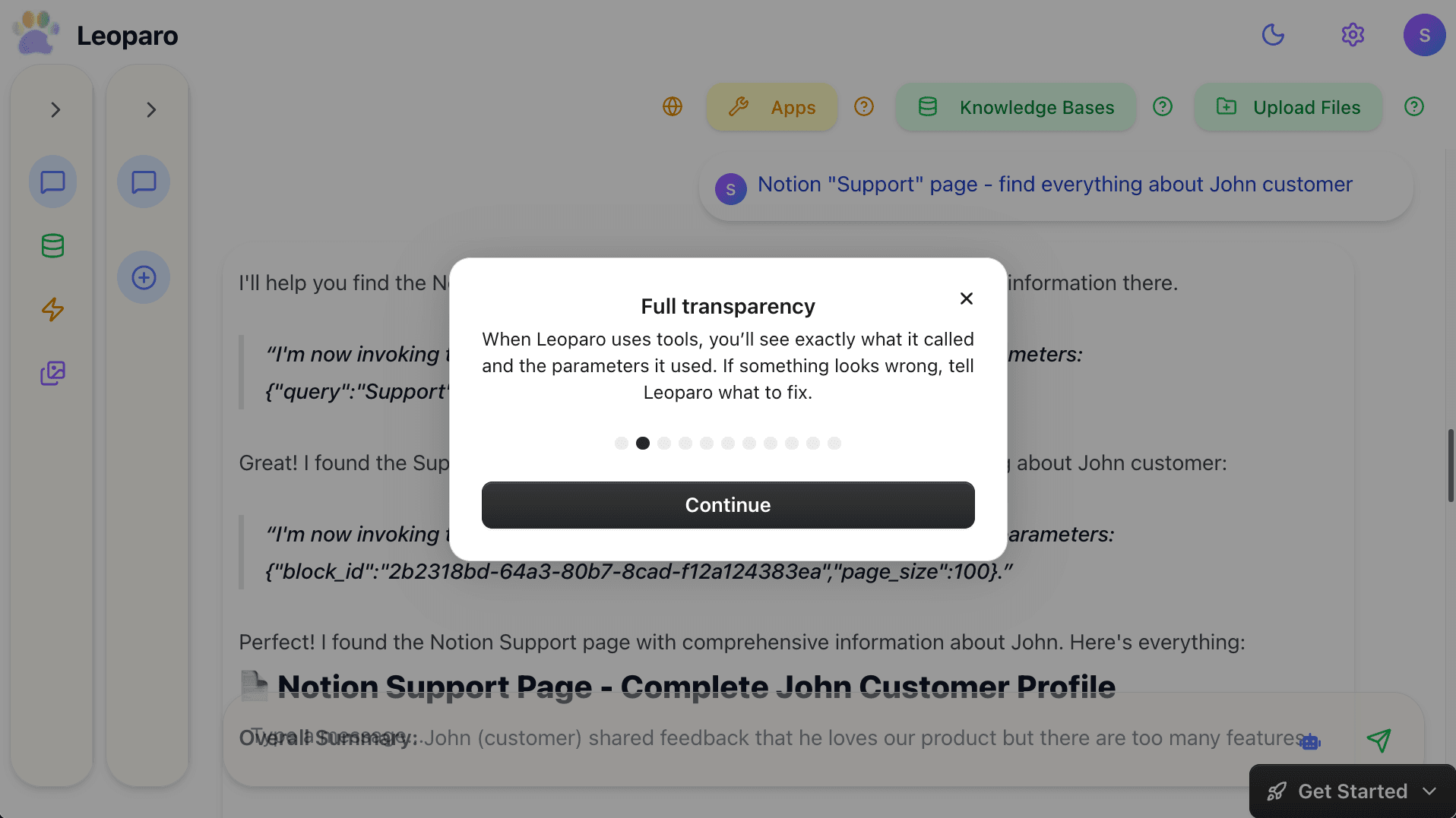
Full transparency
Every tool call is visible. You see what the AI called, what parameters it used, and what came back. If something looks wrong, you fix it before anything is sent.
The summary
| What you need | Traditional approach | With Leoparo |
|---|---|---|
| Multiple AI models | 3 subscriptions (~$60/mo) | All included |
| App integrations | Scattered across tools | 500+ in one place |
| File & document AI | Upload per-tool, per-chat | Persistent knowledge bases |
| Automations | Separate tool (Zapier/Make) | Built-in, natural language |
| Images, video, audio | Midjourney + Runway + … | All included |
| Permission control | Not available anywhere | Per-chat, granular |
| Total cost | $100-150+/mo | ~$20/mo |
So what should you actually do?
If you need the absolute best in one specific category — Deep Research from Perplexity, Audio Overviews from NotebookLM, code editing from Cursor — those tools are worth keeping. They’re specialists, and they’re the best at what they do.
But if you’re paying for ChatGPT, Claude, Gemini, Zapier, and Midjourney — and spending half your day copy-pasting between them — you might not need five tools. You might need one that does what you actually use them for.
That’s what Leoparo is. Not a replacement for every specialist. But the one tool that made me cancel the rest.
Get started:
- Quick start guide — connect Gmail, Slack, Notion, or 500+ others
- Chat with your first document — upload a file and start asking questions
- Pro tips — control permissions, switch AI models, and more